
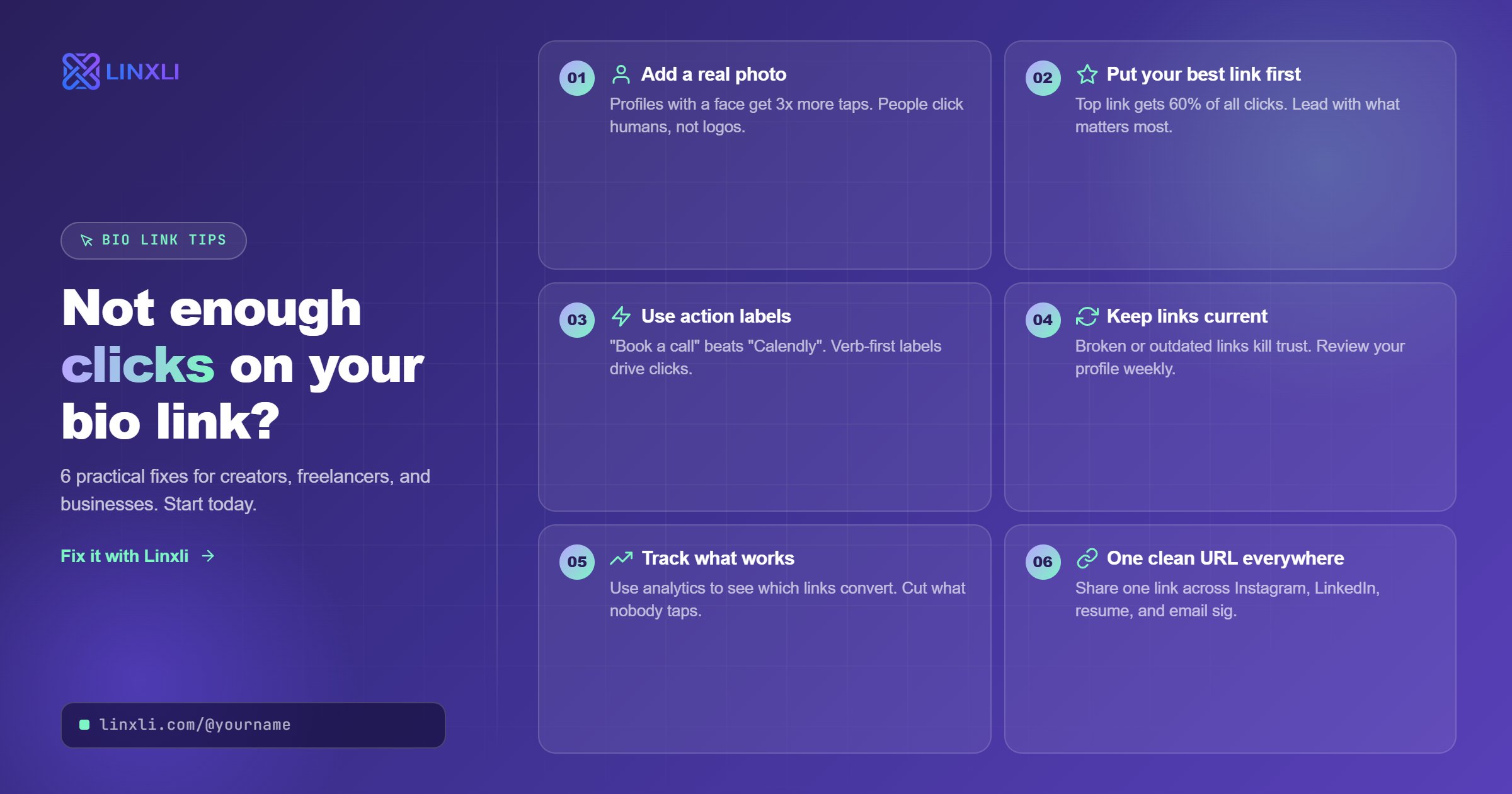
You're posting consistently. Your content is getting views. But your bio link? Hardly anyone is tapping it.
This is one of the most common frustrations for creators and freelancers on Instagram and TikTok. The content works, but the clicks don't follow. The good news is that this is almost always fixable, and the fixes are simpler than most people expect.
Here's how to increase link in bio clicks without overhauling your entire strategy.
Why Most Bio Links Get Ignored
Before jumping into fixes, it helps to understand why bio links underperform in the first place.
The most common reason is that the link doesn't look worth clicking. If your bio says "link in bio" but gives no hint of what's on the other side, most people won't bother. They need a reason. They need to know what they're getting before they tap.
The second reason is friction. If your link goes to a slow-loading website, a homepage that makes people hunt for what they want, or a page that isn't mobile-friendly, people leave immediately. You got the click, but you didn't get the action.
The third reason is that the destination doesn't match the content. If your Reel is about freelance pricing tips and your bio link goes to your general portfolio homepage, you've broken the connection. The viewer was curious about one specific thing and got something completely different.
Fix these three problems and your click rate will improve noticeably.
Tip 1: Tell People Exactly What to Expect When They Click
Your bio is where this starts. People will not click a link they don't understand. So spell it out.
Instead of a generic "check out my link" or a simple URL sitting there silently, write a bio line that tells people specifically what they'll find. Think of it as a preview of the destination.
Some examples that work:
"My portfolio, rates, and booking calendar are in the link below."
"All my tutorials, coaching slots, and contact info in one link."
"New project, YouTube channel, and WhatsApp — tap the link."
The more specific you are, the lower the mental barrier to clicking. You're removing the question "is this worth my time?" before it even forms.
Tip 2: Mention Your Bio Link in Your Content
Most people assume their audience notices the bio link on their own. Most of the time, they don't.
You have to tell them it's there and give them a reason to go there in the same breath. This works across every content format.
In a Reel or TikTok: mention it verbally in the video. "If you want the full template I'm using here, it's in the link in my bio." End the video, let curiosity do the rest.
In a caption: tie the bio link to something specific in the post. "Full breakdown of how I landed this client is in the link — go to my bio." Not every post needs this, but the ones tied to something actionable definitely should.
In a Story: use the link sticker (on Instagram) and overlay it with text that tells people why to tap it. "My calendar is open" or "free guide drops here" performs far better than a blank link sticker.
The pattern is the same every time: content creates curiosity, bio link delivers the payoff.
Tip 3: Use a Link in Bio Page Instead of a Single URL
This is the most impactful change most people can make and the one that takes the least effort to set up.
When your bio link goes directly to one destination — your website, a YouTube channel, a booking page — you're betting that whoever taps it wants that specific thing. But your audience is not one type of person. Some want to hire you. Some want to follow you on another platform. Some want to message you. Some are just exploring.
A link in bio page handles all of them. Instead of one door, you give people a hub with every relevant option: your social profiles, your portfolio, your contact info, your booking link, your shop, whatever matters for your work. They tap through to what's relevant to them.
This also means you stop constantly swapping your bio link every time you launch something new. You update the page once, and the bio link stays the same forever.
Linxli gives you a clean, fast-loading page at linxli.com/@yourname that's free to set up and takes under two minutes. Visitors can save your contact as a vCard in one tap, open your Instagram in the app, start a WhatsApp chat, or browse your portfolio — all from the same link. Every type of visitor gets what they came for.
Tip 4: Make the Page Load Fast and Look Right on Mobile
Nearly everyone clicking your bio link is on a phone. If the page they land on is slow, cluttered, or hard to read on a small screen, they'll close it within seconds.
This is why sending people to a full website homepage often underperforms. Most websites are not optimized for someone on a phone who has three seconds of attention and wants to find one specific thing quickly.
A dedicated link in bio page built for mobile first solves this completely. It loads fast, the layout is vertical and easy to scroll, and there's no guessing where to go. Every tap is intentional because the options are clear.
If you're using a tool that gives you a slow or cluttered page, that's a direct cost to your click-through rate on every link.
Tip 5: Refresh the Destination When You Launch Something New
One of the underrated tricks for keeping bio link clicks high is making the destination feel current.
If someone tapped your bio link two months ago and found a portfolio page, they've already seen it. If they tap it again today and it looks the same, they close it instantly. But if they tap it and see a new project at the top, a new booking window, or a fresh announcement, they engage.
This doesn't mean changing your bio link URL constantly. It means keeping your link in bio page updated so returning visitors always find something worth their time. A pinned "what's new" link at the top of your Linxli page, updated whenever you launch or post something major, does this well without requiring any changes to your bio.
Tip 6: Test What You Say in Your Bio Against Your Click Data
Most people set their bio once and never revisit it. But your bio text, specifically the line above or around your link, has a measurable impact on how many people tap through.
Try being more specific for two weeks. Then try making it more curiosity-driven for another two weeks. If you're on Linxli Premium, you can see exactly how many people visit your profile and which links they tap, which tells you whether your bio changes are working.
Even without analytics, you can track roughly whether your click rate changes by watching how many DMs, booking requests, or profile visits follow a particular bio tweak.
The bio is not set-and-forget. It's one of the highest-leverage, lowest-effort things you can optimize on an ongoing basis.
Frequently Asked Questions
Why is no one clicking my link in bio?
The most common reasons are: your bio doesn't explain what the link leads to, the destination page is slow or not mobile-friendly, or the link doesn't connect to what your content is about. Start by adding a specific bio line that tells visitors exactly what they'll find when they tap.
How do I increase link in bio clicks on Instagram?
Mention your bio link in your Reels and captions with a specific reason to click. Use a link in bio page instead of a single URL so every type of visitor finds something relevant. And make sure your bio text previews what's on the other side of the link.
Does mentioning the link in bio in videos actually work?
Yes, consistently. A verbal or text call to action in your video content pointing to your bio link will always outperform relying on viewers to notice it on their own. Tie it to something specific in the video for the best results.
Should I use a link in bio tool or link directly to my website?
For most creators and freelancers, a link in bio tool outperforms a direct website link. It gives different types of visitors different paths to take, loads faster on mobile, and doesn't require you to constantly swap the URL whenever you promote something new.
How do I track clicks on my bio link?
Tools like Linxli offer built-in analytics on their premium plan — you can see total visits, unique visitors, and which links get clicked most. This data tells you what your audience actually wants, so you can give them more of it.
The Bottom Line
Getting more clicks on your bio link is not about posting more or spending more. It's about removing the confusion between your content and your link, making the destination worth clicking, and keeping the page fast and relevant.
Most people overlook the bio link entirely because it feels like a small detail. But for anyone who uses social media to attract clients, grow an audience, or drive sales, it's one of the highest-returning things you can get right.
Try Linxli free and go live in under 2 minutes at linxli.com. One clean page, every link your audience needs, and analytics to show you exactly what's working.