
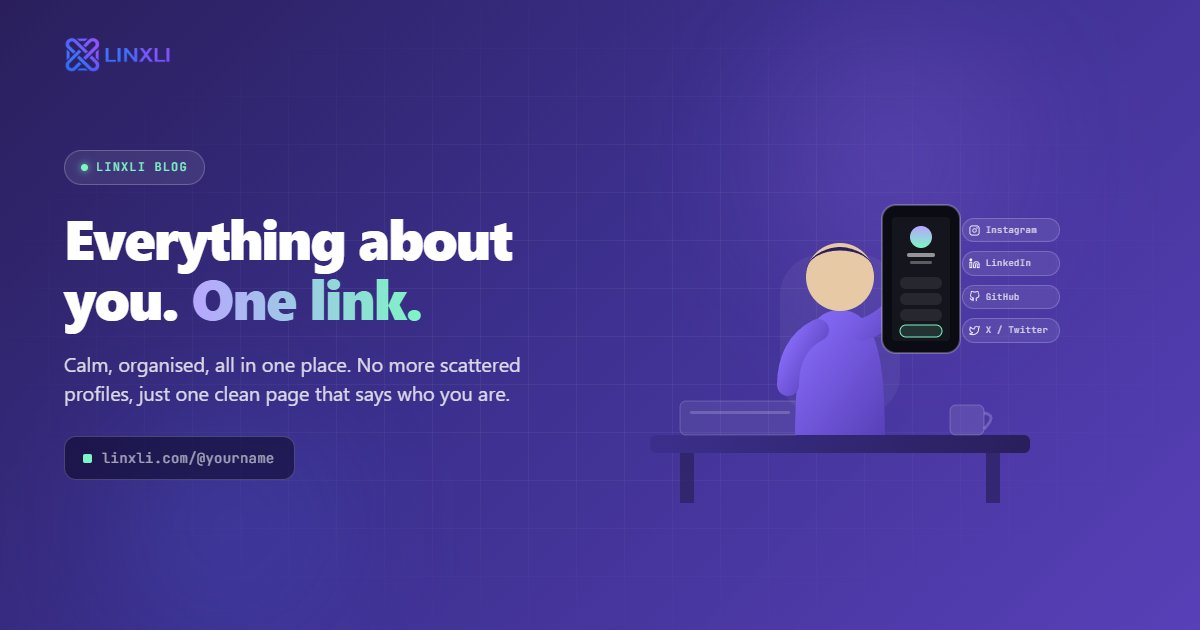
If you're active on Instagram, LinkedIn, YouTube, and WhatsApp — plus a portfolio site, a booking page, and maybe a newsletter — you already know the problem. You can't fit all of that into every place you share yourself online. You're constantly choosing which one thing to highlight and leaving the rest out.
The fix is simpler than most people realise: one link for all your social media profiles, shared everywhere, updated in one place. Here's exactly how it works and why it's one of the highest-leverage things you can set up for your online presence.
The Problem With Sharing Multiple Links
Every platform you're on has its own way of handling your links, and none of them talk to each other.
Your Instagram bio holds one clickable URL. Your LinkedIn profile has a website field. Your email signature has room for maybe two or three links before it starts looking cluttered. Your TikTok bio, same deal — one link. Your WhatsApp status, your Twitter/X bio, your business card — all of them give you limited space to connect people to your wider world.
So what do most people do? They pick one link and hope it covers what the visitor needs. Or they rotate links depending on what they're promoting that week. Or they list three or four URLs and let people figure it out.
None of these work well. Rotating links means anyone who saved your profile last month now has the wrong link. Listing multiple URLs creates decision paralysis. Picking one link means everyone who wants something different than what you chose hits a dead end.
The root problem is that your online presence is spread across multiple platforms, but your sharing slots are limited to one. A single hub link solves this completely.
What a "One Link" Solution Actually Does
The concept is straightforward. Instead of pointing people to a specific platform or page, you point them to a central landing page that holds all your links in one place.
That landing page — usually a link in bio page — lives at a short, clean URL like linxli.com/@yourname. You build it once: add your Instagram, LinkedIn, YouTube, WhatsApp, portfolio, Calendly, email, or whatever combination is relevant to you. Then you use that one URL everywhere.
Every bio. Every email signature. Every business card. Every DM where someone asks "where can I find your work?" One link. Every time.
When someone clicks it, they see your photo, your name, your brief bio, and a clean list of every relevant link you've set up. They tap whichever one is relevant to them and go directly there — into the Instagram app, into a WhatsApp chat, into your portfolio, into your booking page. No hunting, no scrolling, no confusion.
And when something changes — new phone number, new YouTube channel, new project — you update the page once. Every link you've shared in the last year still goes to the same URL, which now shows the updated information. You never have to chase down every place you've shared a link again.
Who This Works Best For
The one-link approach isn't just for influencers or large creators. It's useful for anyone with more than one thing to share online.
Freelancers use it to consolidate their portfolio, Calendly booking link, LinkedIn, GitHub, and WhatsApp into a single URL they drop into every proposal, email, and cold outreach. One link tells a potential client everything they need without any back and forth.
Content creators use it as the permanent home base for their audience. Instead of swapping their Instagram bio link every time they launch something new, their Linxli page always has the latest — and people who found them months ago can still find what they need.
Small businesses put the URL on packaging, receipts, email footers, and store signage. A customer scans a QR code and instantly gets the business's WhatsApp, Google Maps location, Instagram page, and website. All from one tap.
Marketers managing clients use it to give each client a professional, branded link page without building a separate website for every single one.
The common thread: anyone who has more than one place people might want to reach them, and who is tired of the friction that comes with managing multiple links.
How to Set It Up in Under Two Minutes
This is the part most people overthink. It's genuinely fast.
Go to linxli.com and create a free account. Choose your username — this becomes your permanent URL at linxli.com/@yourname. Pick something clean, ideally your name or brand name.
From your dashboard, add the links you want people to see. You can add platforms from a list of 20+ options including Instagram, LinkedIn, YouTube, WhatsApp, GitHub, Twitter/X, Threads, Calendly, Behance, Dribbble, and more. Each one has a dedicated field so the links are formatted correctly and open in the right native app.
Add your profile photo and a short bio. Choose a theme that fits your style. Then copy your URL.
That's it. Paste that link into every bio, email signature, and anywhere else you share yourself online. You're done.
From now on, when something changes or you want to add a new platform, you go back to your Linxli dashboard, update once, and every link you've ever shared reflects the change immediately.
Why This Beats Every Other Option
You might be wondering why not just use a personal website for this, or why not list your links directly in your bio text.
A personal website is a full destination with pages, content, and a lot of information that isn't relevant to someone who's just trying to find your Instagram or send you a WhatsApp message. It's also slower to load on mobile, harder to update quickly, and rarely built to handle the "I want to find your contact in one tap" use case.
Listing links in your bio text is fine until you have more than two, at which point it looks cluttered and most people don't read past the first line.
A dedicated link in bio page is purpose-built for this exact job. It loads fast, looks clean on any phone, gives every visitor a clear set of options, and requires zero maintenance after the initial setup. It's designed specifically for the moment someone lands on your profile and wants to go deeper.
Frequently Asked Questions
Can I really use one link for all my social media profiles?
Yes. A link in bio tool gives you a single URL that hosts all your social media links, contact info, and portfolio in one place. You share that one URL everywhere and it connects to everything else.
Will updating my link in bio page break old links I've already shared?
No. Your URL stays the same no matter how many times you update the content on your page. Someone who saved your link six months ago will still reach your latest, updated profile when they tap it.
How many platforms can I add to a link in bio page?
With Linxli, you can add links to 20+ platforms including Instagram, LinkedIn, YouTube, WhatsApp, GitHub, Twitter/X, Threads, Facebook, Telegram, Snapchat, Behance, Dribbble, Calendly, and more.
Is a link in bio page free to set up?
Yes. Linxli offers a completely free plan with all the core features including unlimited platform links, a custom URL, a digital vCard download, and mobile-optimised themes. No credit card required.
What's the best URL format for a link in bio page?
Short, clean, and memorable. Something like linxli.com/@yourname or your brand name works well — it's easy to say out loud, type from memory, and print on physical materials if needed.
One Link, Zero Juggling
Managing your digital presence across multiple platforms is already enough work. The last thing you need is to also manage multiple links, constantly decide which one to feature, and watch people miss the thing they were actually looking for.
One URL that holds everything is the simplest possible fix. Set it up once, share it everywhere, and stop thinking about it.
Try Linxli free and go live in under 2 minutes at linxli.com. Claim your spot at linxli.com/@yourname — no credit card, no setup fee, just one clean link for everything.