
Most freelancers spend hours perfecting their proposals and portfolios. Then they share them by dumping five different links into an email and hoping the client clicks the right one. There's a cleaner way to do this, and it starts with something as simple as one well-set-up link in bio.
A link in bio isn't just for influencers with 100k followers. For freelancers, it's one of the most practical tools you can have — a single URL that does the job of five separate links, works in any context, and makes you look far more professional than a wall of text with URLs buried inside it.
Here's how to use it to actually win more clients.
The Freelancer Link Problem Nobody Talks About
Think about every touchpoint a potential client has with you before they decide to hire you.
They find your Instagram. They look you up on LinkedIn. They click through to your portfolio site, which maybe hasn't been updated since last year. They want to book a discovery call so they search for your Calendly link that you mentioned in a caption three posts ago. They want to WhatsApp you but have to save your number manually from a screenshot you posted once.
Every extra step in that journey is a place where a client drops off. And most freelancers are handing out loose, scattered breadcrumbs and calling it a professional presence.
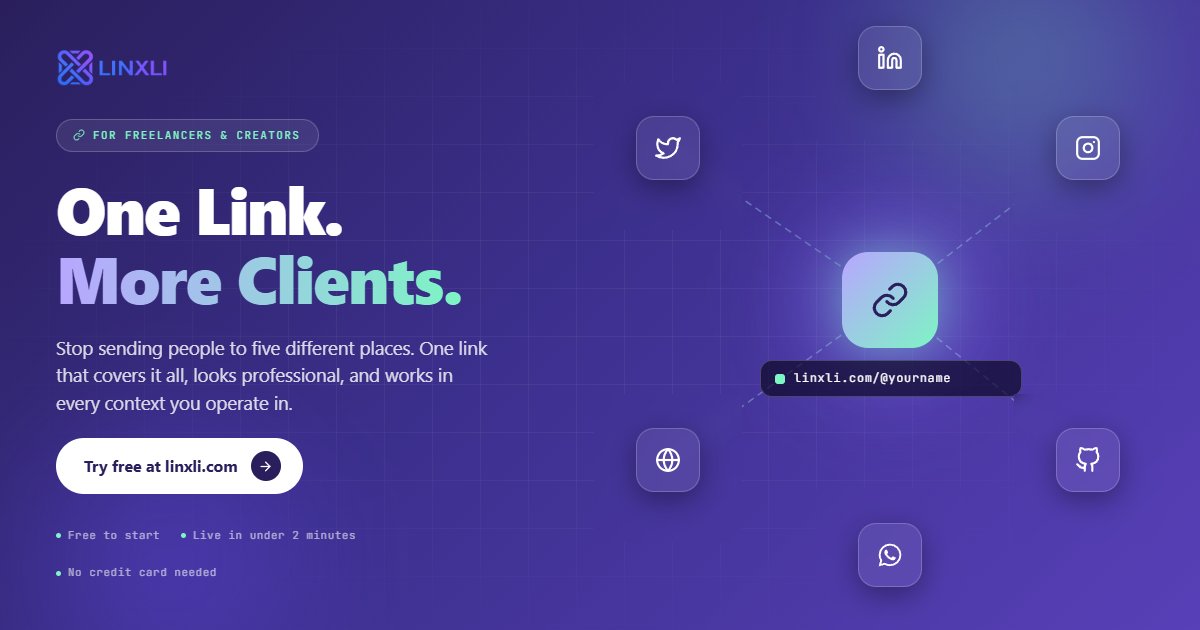
A link in bio fixes all of this. One URL. Every relevant thing about you, in one place, organised and ready to go.
What to Put in Your Freelancer Link in Bio
The goal is not to include everything. It's to include the right things so a potential client can take the next logical step without friction.
Here's what tends to work well for most freelancers:
Your portfolio. The single most important thing. Link to your best work directly — not your homepage, not an "about me" page, but the page where someone sees what you've built.
A booking or discovery call link. If you use Calendly, TidyCal, or any scheduling tool, this should be on your link page. "Book a free 15-min call" is often the fastest path from stranger to paying client.
LinkedIn. Especially if you work in B2B, clients will want to verify who you are. Give them an easy tap instead of making them search for your name.
WhatsApp or email. Make it frictionless to reach you. A WhatsApp link that opens a chat instantly beats asking someone to manually save your number.
Your most relevant social platform. If you're a designer sharing work on Instagram, link it. If you're a developer, link your GitHub. Keep it relevant to the type of work you do.
That's it. Five to seven well-chosen links do far more for you than a page stuffed with fifteen options nobody scrolls through.
Where to Use Your Freelancer Link in Bio
Once you've set up your link page, the real power comes from how consistently you use it. Here are the places it earns its keep most.
Your email signature. Every email you send is a chance for someone to explore who you are and what you do. Drop your link page URL below your name and let it do the talking. If you're sending five proposals a week, that's five people seeing a clean, complete view of your work without you having to explain anything.
Every social media bio. Instagram, LinkedIn, Twitter/X, TikTok, Threads — whichever platforms you're on, the same URL goes into every bio. Update your link page once and it refreshes everywhere simultaneously.
Proposals and quotes. Instead of attaching your portfolio as a PDF or linking to three separate pages, drop your single link at the top. "Here's everything about my work and how to reach me: linxli.com/@yourname." Clients appreciate not having to dig.
Networking conversations. Someone at an event or in a Slack community asks what you do and wants to see your work. You share one link. They tap through to your portfolio, see your booking link, and connect on LinkedIn — all in one flow. No business card needed.
Your resume or CV. Add your link page URL next to your name and contact details at the top. It's a modern, single entry point that covers everything a potential employer or client might want to find.
Why a Single Link Performs Better Than Multiple Links
There's a tendency to think more links means more options means more conversions. In practice, it works the opposite way.
When you give someone five separate links, they have to evaluate which one to click, decide if it's worth it, and commit to each individually. Most people choose none of them.
When you give someone one link that clearly leads to a well-organised page, the decision is binary: tap or don't tap. And once they're on your page, the options are presented cleanly, one by one, so they follow whichever path is relevant to them.
This is why freelancers who use a link in bio tool consistently find that more people reach their portfolio and booking page than when they shared those links individually. Consolidation reduces friction. Less friction means more clicks. More clicks means more conversations. More conversations means more clients.
Linxli gives you this setup in under two minutes, for free. You get a clean page at linxli.com/@yourname, support for 20+ platforms and contact methods, a vCard download so clients can save your number in one tap, and a professional look that matches your personal brand without needing a designer.
The Subtle Credibility Boost You Might Not Expect
Here's something most freelancers don't anticipate until they experience it.
When a potential client opens your link page and sees a clean, well-organised profile with your photo, a tight bio, and clearly laid out links to your portfolio, LinkedIn, and booking page, their trust level goes up before they've read a single word of your proposal.
It signals that you pay attention to the details of your own professional presence. If you put this much thought into how you present yourself, you probably put the same care into your client work. It's a small signal, but in a world where most freelancers cobble together their online presence with old links and outdated pages, a clean and current link page stands out.
Frequently Asked Questions
Is a link in bio useful for freelancers who aren't on social media much?
Yes. Even if you barely post, your link page works in email signatures, proposals, and direct messages — all the places you actually communicate with clients. You don't need a big following for it to be useful.
What's the best link to put first on a freelancer's link page?
Your portfolio or your booking link, depending on where clients are in their journey. If you're trying to get discovery calls, lead with the booking link. If clients typically need to see your work before they reach out, lead with the portfolio.
Can I use a link in bio page instead of a full freelancer website?
For many freelancers, yes. A link page that connects your portfolio (even if it's on Behance, Dribbble, or a simple Notion page), your booking link, LinkedIn, and contact info covers most of what a dedicated website does — and it's faster to set up and easier to update.
How do I make my link in bio look professional as a freelancer?
Keep it focused. Use a clean theme, a good headshot or logo, and a short bio that immediately communicates what you do and who you help. Remove any links that aren't directly relevant to your freelance work. Less is more.
Does having a link in bio page actually help with getting clients?
It removes friction from the path between someone discovering you and reaching out to hire you. That alone is enough to convert more of the people who find you into actual conversations — which is the first step to winning more clients.
One Link, More Clients
Winning freelance clients comes down to one thing: making it as easy as possible for the right people to find you, understand what you do, and take the next step. Your link in bio is the part of that process you can set up in one afternoon and benefit from for years.
Stop sending people to five different places. Give them one link that covers all of it, looks professional, and works in every context you operate in.
Try Linxli free and go live in under 2 minutes at linxli.com. No credit card needed. One clean link that works as hard as you do.