
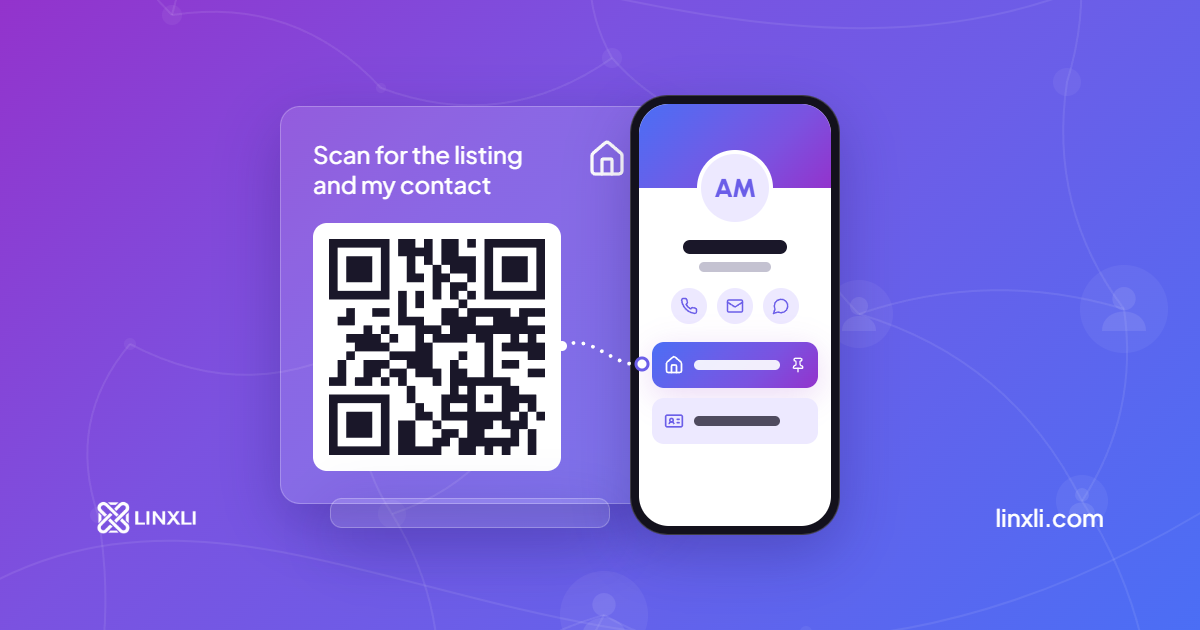
A digital business card for realtors is one page, opened from a link or a QR code, where a buyer can save your number in one tap, send you their details and look at your listings before they leave the driveway. Your paper card still has a job. It just points to that page now.
The easiest way to see how this works is to watch it happen at a real event. Below we follow Lena Varrow, an agent we made up for this example, through one Saturday open house. After that you get the setup checklist, paper card ideas that work with the page, and what it costs.
Why the clipboard sign-in sheet leaks leads
A paper sign-in sheet asks visitors to do something slightly awkward in front of strangers. Some write a fake email. Some write nothing and slip out. The ones who take your card put it in a coat pocket, and you never find out whether they looked at it again.
The other problem is timing. Your best follow-up window is the same evening, but a clipboard has to be typed up first. By Monday, the couple who loved the kitchen has toured three more homes with someone else.
A digital business card for realtors, one open house at a time
Here is how Lena's Saturday goes with a single Linxli page doing the work.
Thursday evening: get the page ready
Lena opens Edit profile in her Linxli dashboard and works down the sections:
Photo and name: a recent, well-lit headshot, so visitors recognize her later.
About you: "Real estate agent" as the job title, her brokerage as the company, and her city.
Contact details: phone, email, WhatsApp and her booking link for showings.
Business tools: a WhatsApp chat button with a pre-filled message ("Hi Lena, I visited your open house and have a question") and her Google review link.
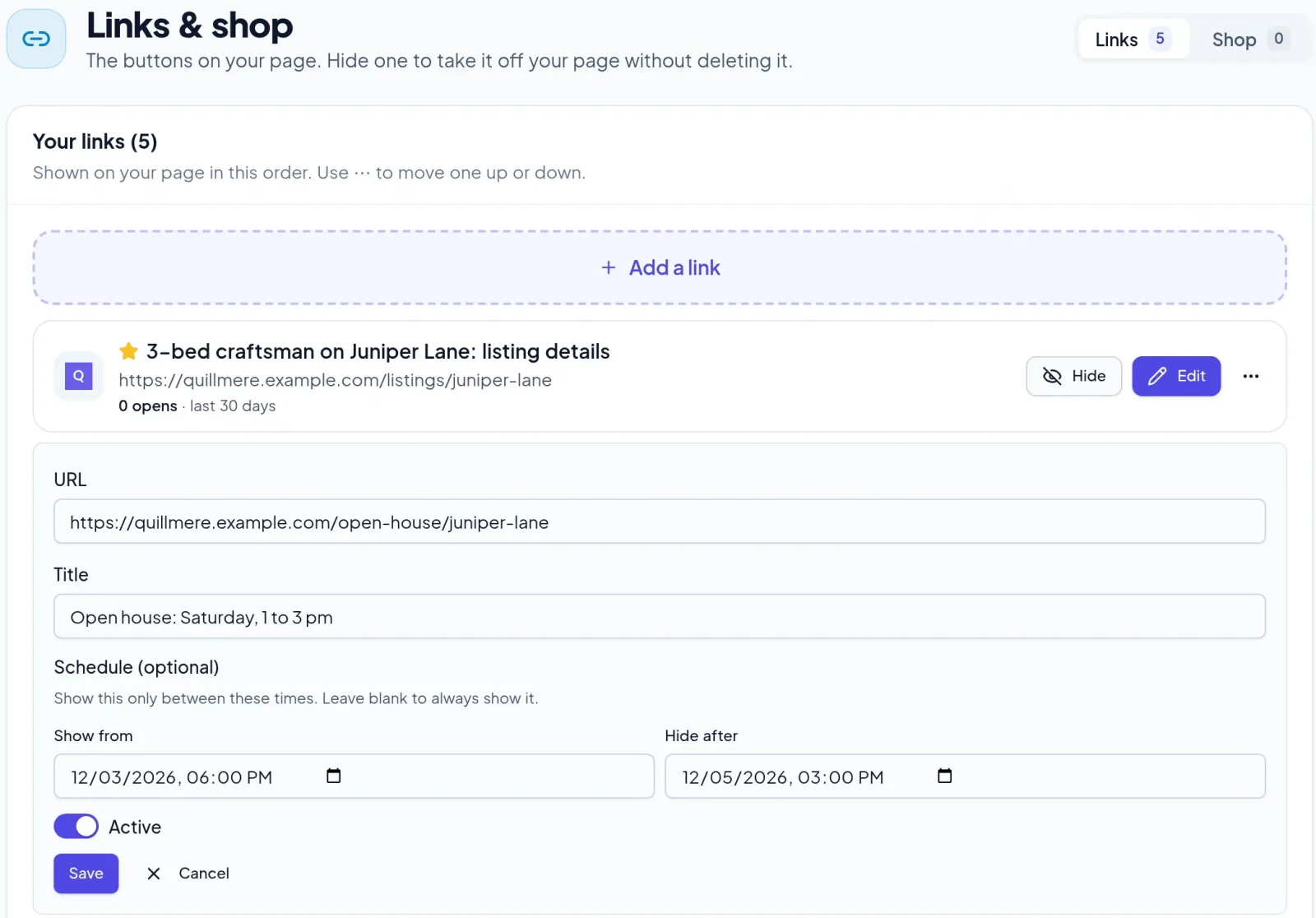
Then she goes to Links & shop. She adds the listing page from her brokerage site and marks it as the featured link, so it sits at the top of her page. She also adds a link called "Open house: Saturday, 1 to 3 pm". On Premium she sets Show from and Hide after times, so the link appears on Thursday and disappears when the open house ends. On the Free plan she would simply delete it on Saturday evening.
Last, she opens Share & QR code and taps Download PNG to get her profile QR code. She prints it on a small table stand. The code opens her page, not the listing, so the same stand works at every open house she runs. Next weekend only the featured link changes.
1:05 pm: the sign-in table
There is no clipboard. There is a stand that says "Scan for the listing details and my contact." A couple scans it while they put on shoe covers.
They see Lena's photo, the listing pinned at the top and a Share your details button. They tap it and type a name, an email and a phone number. The form has a consent checkbox that says the details go to Lena so she can contact them, which beats a clipboard on privacy. Lena gets an email for each request while the open house is still running.
On Premium, Lena can add up to 5 questions of her own. She uses two: "Are you working with an agent?" and "When are you hoping to move?" The answers she used to scribble in a margin now arrive next to each name.
1:40 pm: the buyer who is "just looking"
Some visitors will not fill in any form, and that is fine. One of them taps Save contact instead. Their phone opens a contact card with Lena's name, photo, job title, brokerage, phone, email, a link back to her page and her booking link, and they save it without installing anything.
That buyer may not be ready until spring. When they are, Lena is already in their phone with her face next to her name, which is harder to lose than a card in a coat pocket.
2:30 pm: the neighbor
Most open houses get a neighbor or two who want to see what the house looks like inside. They are not buying, but they may be selling soon. According to the National Association of Realtors' 2026 Profile of Home Buyers and Sellers, 92% of sellers used an agent or broker, so the neighbor in the hallway is a future listing for somebody.
The neighbor scans the code and taps the WhatsApp button. The message is already typed, so they add one line: "What are homes on this street selling for?" That is the start of a listing conversation, and it happened on Lena's page.
Sunday morning: follow-up while it is still warm
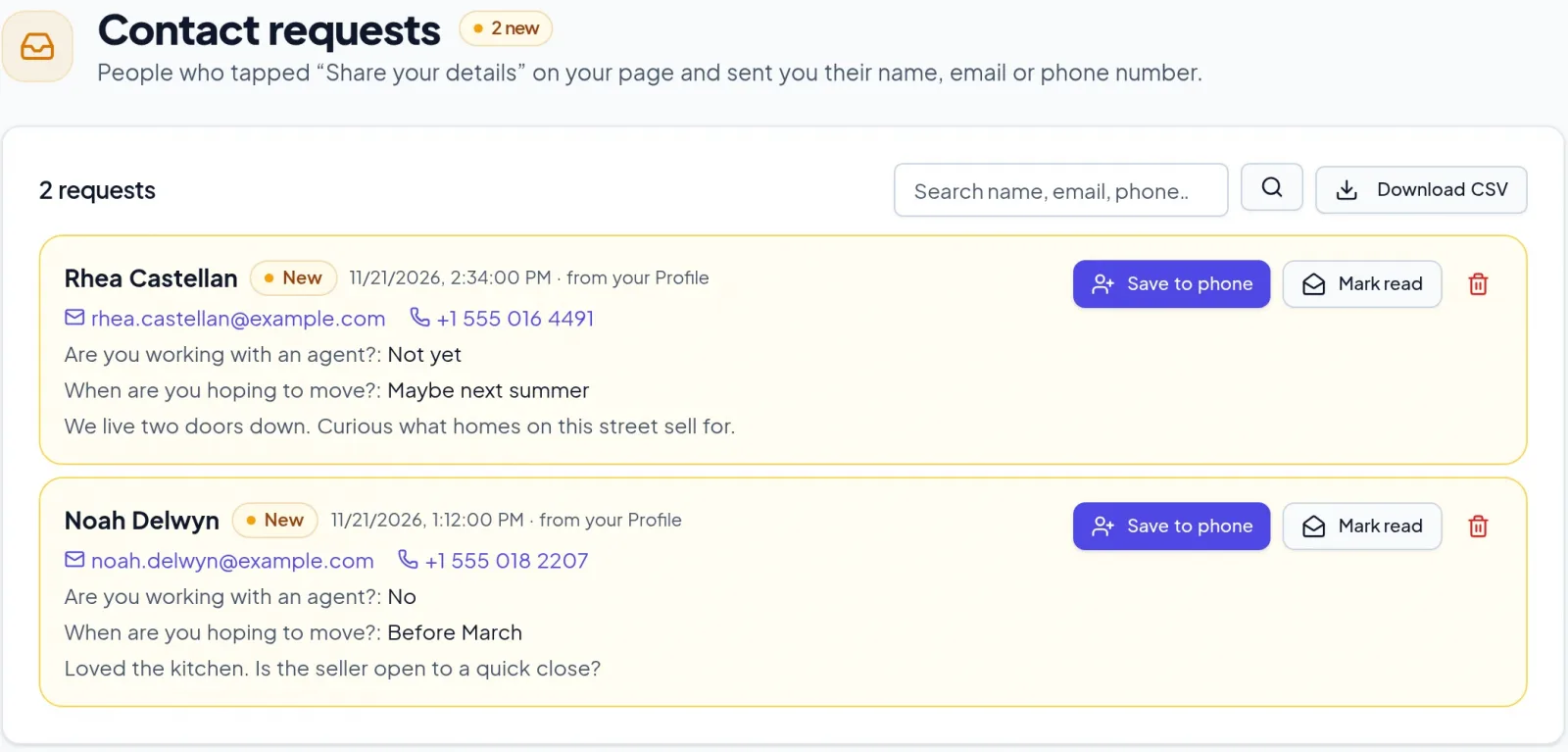
Lena opens Contact requests in the dashboard. Each request shows the name, contact details, answers and message, and a Save to phone button adds the person to her contacts in one tap. She replies to everyone before lunch.
Then she checks Stats. It shows visits to her page and taps on each link, with the top 5 links on the Free plan. If the listing link got far more taps than her booking link, she knows people were interested but not ready to book a showing, and she writes her follow-ups with that in mind.
The whole day at a glance
Moment | What the visitor does | Part of the page | Plan |
|---|---|---|---|
Sign-in table | Scans, taps Share your details | QR code and lead form | Free |
Extra questions | Answers "Working with an agent?" | Custom questions | Premium |
Just looking | Taps Save contact | One-tap contact card | Free |
The neighbor | Sends a WhatsApp message | WhatsApp chat button | Free |
Open house ends | The link hides itself | Link scheduling | Premium |
Follow-up | Lena replies and saves leads | Contact requests and Stats | Free |
What to put on your realtor page
Use this as a checklist before your next open house:
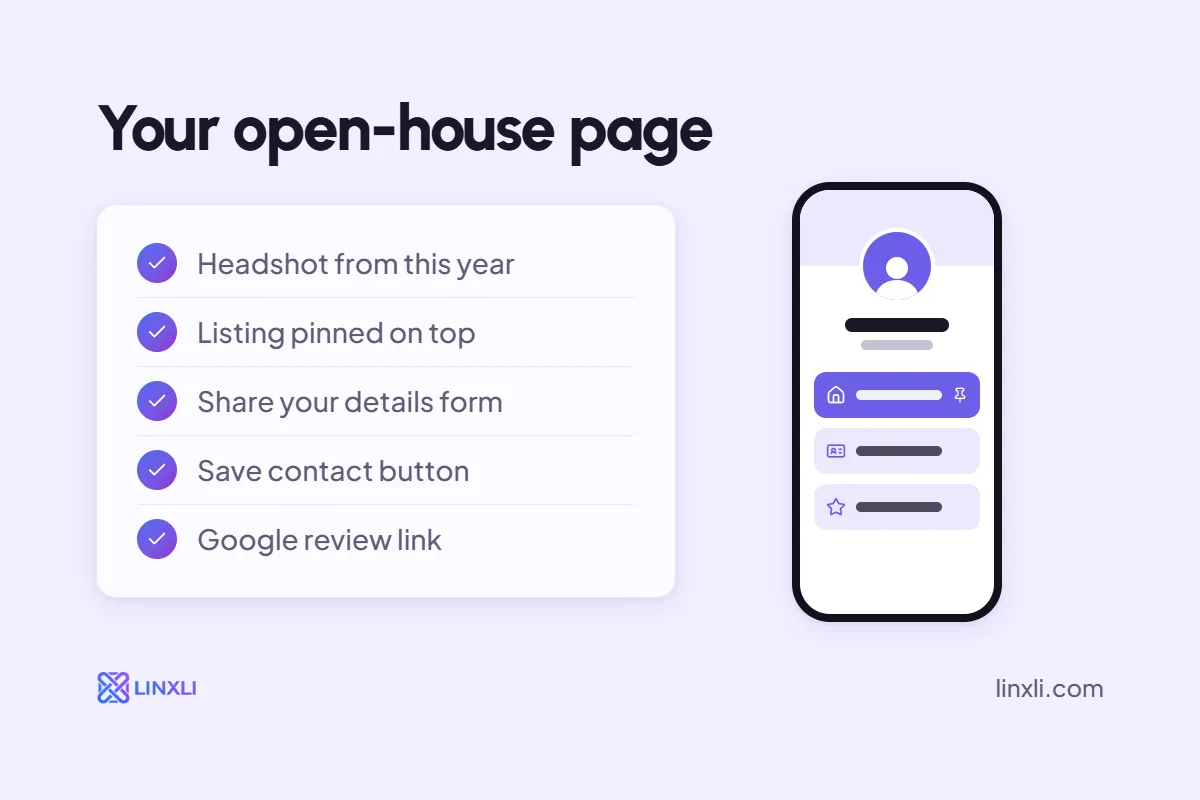
A headshot from this year. People met you once, for a few minutes. Make it easy to match the face.
Your name, title and brokerage as you advertise them. Your state may require your brokerage name or license number in anything you advertise, so check its rules before you publish.
Every way to reach you: phone, email, WhatsApp and a booking link for showings.
One featured listing at the top, with your other active listings below it. The Free plan includes up to 10 links and 5 shop items.
A home tour video. YouTube, Instagram and TikTok videos play right on the page, so a visitor can rewatch the tour at home.
Your Google review button, so happy clients can leave a review in a couple of taps.
A two-line bio that names the neighborhoods you know. Skip the life story.
Setting the page up for the first time? Our step-by-step setup walkthrough goes through every section of the editor.
Real estate agent business card ideas that work with your page
Printed cards are not going away in real estate, so make them work with the page instead of competing with it.
Put the QR on the back and send it to your page, not to one listing. Listings sell. Your page stays the same for years.
Tell people what they get from scanning. "Scan to save my number" works better than a bare code.
Keep the front simple: name, phone, brokerage and a clean headshot. The page carries everything else.
Reuse the same code everywhere: the open-house stand, the listing flyer, a sign rider and door hangers when you farm a neighborhood.
Hand over a review card at closing. Linxli makes a printable Google review card (A6, 300 dpi) with a QR code that opens your review page. Our post on Google review QR codes explains where to place them.
What it costs
Everything in Lena's story runs on the Free plan except the custom questions and the self-hiding link. Free includes the profile, the QR code, the one-tap contact card, the lead form with email alerts, the WhatsApp and Google review buttons, up to 10 links and 30 days of stats.
Premium is $4 a month or $29 a year, taxes included. It adds unlimited links and listings, your full request history with CSV export, up to 5 custom questions, link scheduling, no Linxli branding, and stats that show city, device and where visitors came from. See the full feature list on the digital business card page, or browse more use cases for businesses.
Before your next open house, set up the page, print one QR stand, and see who scans.