
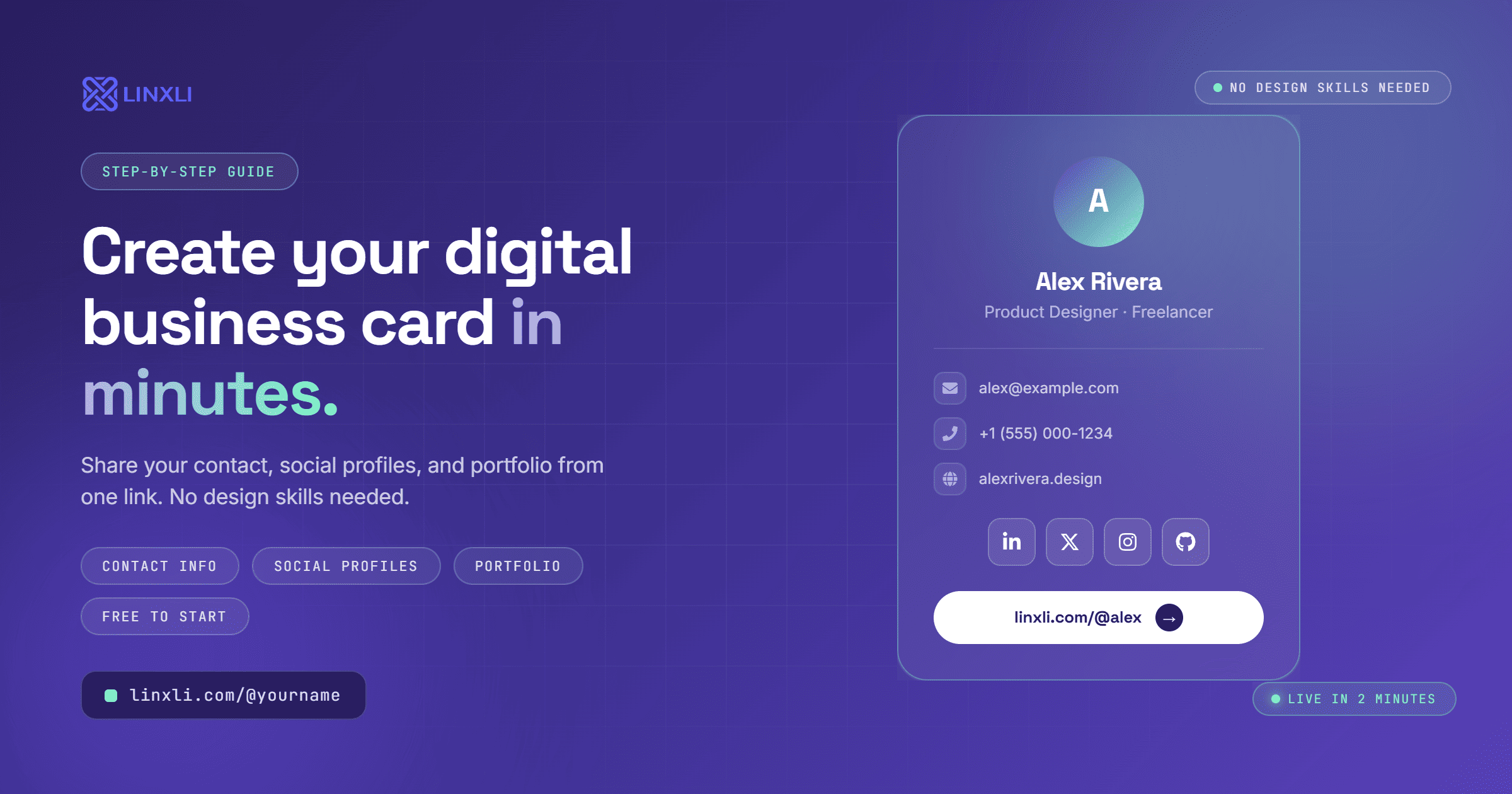
Paper business cards get lost in drawers, run out at the worst moment, and become outdated the second your phone number or job title changes. In 2026, the smarter move is to create a digital business card — one that lives on your phone, never runs out, and updates instantly whenever something changes.
The good news: you do not need a designer, a developer, or a paid subscription to make one. This guide walks you through exactly how to create a digital business card that actually gets used.
What Is a Digital Business Card?
A digital business card is a shareable online profile that holds your contact information, social media links, portfolio, and anything else you'd normally put on a physical card — plus a lot more.
Instead of handing someone a piece of paper, you share a link, a QR code, or an NFC tap. The other person opens it on their phone and can save your contact details directly, connect on LinkedIn, message you on WhatsApp, or browse your portfolio — all from one place.
No printing costs. No running out. No reprinting when your email changes. Just a link you update once and share everywhere.
Why a Digital Business Card is Worth Setting Up in 2026
The shift is already happening. More professionals are showing up to meetings and networking events with a QR code on their phone screen instead of a stack of cards. And it makes sense.
Think about the last time someone handed you a business card. Did you save the number? Or did it end up in a pile somewhere, eventually tossed?
A digital card changes that dynamic. When someone taps your link and sees your photo, bio, and a "Save Contact" button right there, they're far more likely to actually save your details. It's immediate, it's interactive, and it works in every situation — in person, over email, in a DM, or printed as a QR code on your packaging.
For freelancers, it removes the awkward "let me find a pen" moment. For creators, it means every platform and contact method is one tap away. For small businesses, it's a QR code on the counter or the packaging that takes customers exactly where you want them.
What to Include on Your Digital Business Card
Before you create one, decide what to put on it. The best digital business cards are focused, not overwhelming. Here's what tends to work:
Name and photo. A clear headshot or brand logo builds instant recognition and trust.
Your role or tagline. One line that tells people what you do. "Freelance Copywriter" or "Wedding Photographer, Mumbai" is enough.
Phone number. Clickable so it dials directly on mobile.
Email address. Clickable to open the mail app instantly.
WhatsApp link. Especially useful if you do business on WhatsApp — one tap starts a chat without the other person having to save your number first.
LinkedIn profile. Essential for professionals and anyone in B2B.
Portfolio or website. A link to your work, not just your homepage.
Other relevant platforms. Instagram if you're a creator, GitHub if you're a developer, Calendly if you take bookings.
The goal is not to include everything. It's to include the right things so the right people can reach you the right way.
How to Create a Digital Business Card in 3 Steps
You do not need any technical skills for this. Here's the simplest way to do it.
Step 1: Sign Up for a Link in Bio Tool
A link in bio tool is the fastest way to build a digital business card without touching any code or design software. You create a profile, add your links and contact info, and get a shareable URL and QR code in minutes.
Linxli is free to start and gives you a clean profile at linxli.com/@yourname with support for 20+ platforms and a built-in vCard download button. Visitors can tap one button to save your contact directly to their phone. No forms, no friction.
Step 2: Fill in Your Profile
Add your name, photo, bio, and every link that's relevant to how people should reach or find you. Keep it focused. A card with 5 to 8 well-chosen links is more useful than one with 20 links nobody scrolls through.
Make sure your phone number and email are included so that the vCard download captures them. When someone saves your contact from a Linxli profile, their phone gets your name, number, email, and links all in one tap.
Step 3: Share It Everywhere
Once your profile is live, your digital business card is ready to share in multiple ways:
As a link — paste it into email signatures, DMs, social bios, and Slack profiles.
As a QR code — screenshot or download your profile QR code and put it on your phone's lock screen, a printed flyer, packaging, or your laptop sticker.
As a short URL — linxli.com/@yourname is clean enough to say out loud, type from memory, or print on a physical card if you still want one.
One profile, shared however the situation calls for.
Digital Business Card vs. Physical Business Card
Both have their place, but the comparison is not really close anymore for most people.
A physical card is a one-time share. Once you hand it over, it's static. The person has to manually type your details into their phone if they want to save them, and most don't bother.
A digital card is interactive. The person taps your link, sees your photo, reads your bio, and hits "Save Contact" in one flow. They can also follow you on Instagram, message you on WhatsApp, or book a call — right there, without leaving the page.
And if your number changes next month, your digital card updates automatically. Every link you've shared still goes to the same profile with the new information. You never have to reprint anything.
Tips to Make Your Digital Business Card Actually Get Used
Setting it up is step one. Here's how to make sure it does its job:
Put the link in your email signature. Most professionals send dozens of emails a week. Every recipient is a potential new contact.
Use a QR code at networking events. When you meet someone, pull up your QR code instead of digging for a card. It's faster, more memorable, and they'll have your contact saved before the conversation ends.
Add it to your LinkedIn profile. Drop it in your LinkedIn "About" section or your featured links. People who find you on LinkedIn can get your full contact details with one click.
Include it in proposals and invoices. Every document a potential or existing client receives is a touchpoint. Make it easy for them to reach you.
Update it when things change. Add a new platform, change your number, launch a new project. Your digital card should always reflect where you are right now.
Frequently Asked Questions
Is a digital business card free to create?
Yes. Tools like Linxli offer a completely free plan with all the core features you need for a functional digital business card, including contact links, vCard download, and a custom URL.
Can people save my contact from a digital business card?
Yes. With Linxli, visitors can tap a single button to download your contact as a vCard, which saves your name, number, email, and links directly to their phone's contacts app.
Do I need design skills to create a digital business card?
No. A good link in bio tool gives you pre-built themes and a simple dashboard to fill in your details. No design software, no code, no prior experience needed.
How do I share a digital business card in person?
The easiest way is to show a QR code on your phone screen. The other person scans it with their camera and your profile opens instantly. You can also share the link via text or messaging apps.
Can I use a digital business card as a freelancer?
Absolutely. Freelancers are one of the biggest users of digital business cards because it consolidates everything in one place: portfolio, booking calendar, contact details, and social proof. Send one link in every proposal instead of listing five different URLs.
Your Digital Card is Waiting
Creating a digital business card used to require hiring someone or buying an expensive app. In 2026, it takes less than five minutes and costs nothing to start.
Set it up once. Share it everywhere. Update it whenever you need to. No reprinting, no running out, no outdated information floating around on someone's desk.
Try Linxli free and go live in under 2 minutes at linxli.com. Claim your spot at linxli.com/@yourname and turn your contact info, portfolio, and social profiles into one shareable link — your digital business card, ready to go wherever you go.