
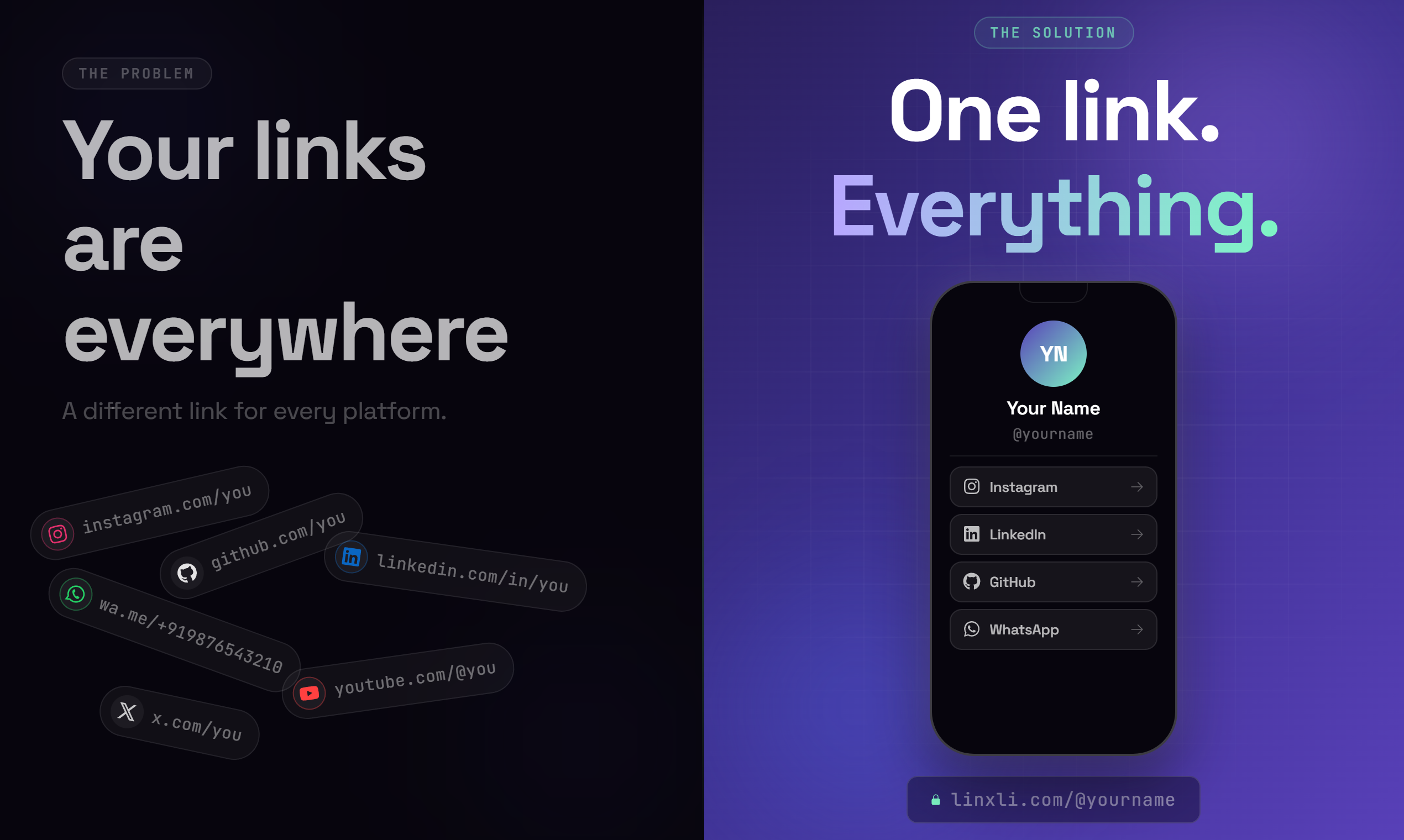
You've seen it everywhere. Instagram profiles, TikTok bios, YouTube channels — someone tells you to "click the link in bio" and you just expect a useful page to be there. But what actually is a link in bio, and why does it matter so much to creators, freelancers, and businesses?
If you've ever felt like your one bio link isn't doing enough work for you, this guide will change how you think about your entire online presence.
The Simple Answer: What a Link in Bio Actually Is
A link in bio is a single clickable URL that you place in your social media profile bio — most commonly on Instagram, TikTok, or YouTube. Because most platforms only allow one clickable link in your profile, that one link has to do a lot of heavy lifting.
The problem? You have multiple things to share. Your YouTube channel. Your portfolio. Your WhatsApp contact. Your latest project. Your booking page. And you have exactly one link slot to fit all of that.
That's where a link in bio tool comes in. Instead of pointing your bio link directly to, say, your website, you point it to a custom landing page that houses all your links in one place. One tap, everything accessible.
Think of it as your digital front door. Everyone who wants to reach you, see your work, or buy from you starts there.
Why One Direct Link Is Never Enough
Here's a scenario most creators know too well.
You're a freelance photographer. You're active on Instagram, you have a portfolio site, you take bookings through Calendly, and you want clients to message you on WhatsApp. You have one bio link. What do you put?
Whatever you choose, you're leaving something out. And that means real opportunities missed.
Or say you're a content creator launching a new YouTube channel. Your Instagram audience doesn't know about it. You update your bio link to the channel, but now your Linktree — wait, your old portfolio — no longer shows up. You're in this constant loop of swapping and updating, and even then, most people only see whatever happens to be there at that moment.
The modern internet expects you to be everywhere, but your bio limits you to one place. That tension is exactly the problem a link in bio tool solves.
How a Link in Bio Tool Works
A link in bio tool gives you a personal landing page, usually at a URL like yourtool.com/@yourname. You build it once inside a dashboard: add your social profiles, contact methods, portfolio links, whatever you need. Then you paste that single URL into every bio, email signature, and business card you own.
When someone clicks it, they see a clean, fast-loading page with every link you've set up. They can tap into your Instagram, launch your YouTube, start a WhatsApp chat, or save your number to their contacts directly from that one page.
Update something once, and every link you've shared reflects the change immediately. No more hunting down eight different places where you posted an old phone number.
Who Actually Uses Link in Bio Tools?
Honestly? Anyone who has more than one thing to share online. But here's how different people use it:
Content creators use it as a hub for all their platforms, brand partnership deals, merchandise stores, and contact info for collabs. One tap gets a brand to everything they need.
Freelancers drop it in every proposal, email, and DM. A client clicks it and instantly sees their portfolio, availability calendar, LinkedIn, and WhatsApp. No back and forth, no digging.
Small businesses put the link on packaging QR codes, email footers, and store windows. Customers scan it and find the WhatsApp number, Google Maps location, and product catalog in seconds.
Students and job seekers include it in their resume header. One clean link shows GitHub, LinkedIn, a portfolio, and contact info. No formatting headaches.
If you have a digital presence and you want people to actually reach you, a link in bio page works harder than any single URL ever could.
What Makes a Good Link in Bio Page?
Not all link in bio tools are equal, and not all pages perform the same way. A good one has a few things going for it:
Speed. If your page takes more than two seconds to load, you've already lost a chunk of your audience. Mobile users especially will bounce fast.
Simplicity. Don't dump 20 links on the page and hope for the best. The best link in bio pages are clean, organized, and easy to navigate with one thumb.
Deep linking. When someone taps your Instagram link, it should open inside the Instagram app — not a browser tab. Same for WhatsApp, YouTube, and every other platform. Native app opening makes the experience feel seamless.
Analytics. You should know which links get clicked most, where your visitors come from, and what drives engagement. Without data, you're guessing.
A personal touch. Your bio page should look like you — or your brand. A generic template with your name dropped in doesn't build trust the way a well-styled, on-brand page does.
If you haven't set up your link in bio yet, Linxli handles all of this and takes less than 2 minutes to get live. It's free to start, supports 20+ platforms, and gives you a clean page at linxli.com/@yourname right away.
Link in Bio vs. a Personal Website: What's the Difference?
This comes up a lot, so let's be clear.
A personal website is a full destination — pages, blog posts, case studies, detailed about sections. It takes time to build, update, and maintain. Great to have, but not always practical as a quick entry point.
A link in bio page is a gateway. It's meant to be fast, focused, and functional. You're not telling your whole story — you're giving people the right doors to walk through. Once they're on your Instagram or portfolio site, they get the full picture.
The two complement each other. Your link in bio page points people to your website. Your website can also link back. Both serve different purposes.