
Your Instagram bio has about three seconds to convince someone to follow you, click your link, or reach out. Three seconds. Most people spend that time on a photo dump, a random quote, or a single link that goes nowhere useful.
If you want to actually optimize your Instagram bio and turn profile visitors into followers, clients, or customers, this guide covers exactly what to change and why it works.
Why Your Instagram Bio Matters More Than You Think
Most creators focus almost entirely on content. Post quality, posting frequency, hashtags, reels. All of that matters, but your bio is the one piece of your profile that works 24/7 regardless of when you last posted.
Every time someone discovers you through a reel, a tag, a share, or a search, they land on your profile. Your bio is what either hooks them or loses them. It decides whether that visitor becomes a follower, a client, or just another bounce.
Think of your bio as your 150-character elevator pitch. You get a name field, a username, a category tag, a bio text block, a website link, and a contact button. Every single one of these is an optimization opportunity, and most people use maybe two of them well.
Step 1: Nail Your Name Field (It's Searchable)
Here's something most people miss: the Name field on Instagram is indexed by the platform's search algorithm. Your username is too, but the name field gives you a second chance to show up in searches.
If you're a freelance graphic designer in Mumbai, your username might be @studio.riya. But if your name field says "Riya | Graphic Designer Mumbai", you now show up when someone searches "graphic designer Mumbai" on Instagram.
Use your actual name combined with your niche or role. Keep it clear and descriptive. Skip the emojis here — they do nothing for searchability.
Good examples:
Priya | Social Media Manager
Arjun Mehta | Fitness Coach
The Brew Lab | Specialty Coffee
Step 2: Write a Bio That Answers "Why Should I Follow You?"
Your 150-character bio needs to answer one question for every visitor: "What do I get if I follow this account?"
Most bios fail this test. They say things like "Living life one day at a time" or "Sharing my journey." That tells someone nothing actionable. They won't follow you just because you exist.
A bio that converts usually has three things:
What you do or create. Be specific. "Content creator" means nothing. "Travel reels from solo trips across Southeast Asia" is something people can decide on.
Who it's for. "For freelancers trying to land more clients" instantly qualifies your audience. The right people feel seen. The wrong people self-select out — and that's fine.
A reason to click or follow. This doesn't have to be a hard sell. A simple "New reel every Tuesday" or "Free resources in my link" gives people a concrete reason to hit follow or tap your link.
You have 150 characters. Use them to serve the visitor, not to talk about yourself.
Step 3: Use Your Bio Link Strategically
Instagram gives you one clickable link. One. And most people either leave it blank, link to a homepage nobody scrolls, or constantly swap it out for whatever's current.
None of those approaches work well.
The smartest thing you can do with your bio link is point it to a link in bio page that houses everything — your latest content, your portfolio, your booking page, your WhatsApp, your other social platforms. When someone taps it, they get the full picture instantly without you having to constantly update a single URL.
This is exactly what Linxli is built for. Your profile lives at linxli.com/@yourname, it loads fast, it deep-links into native apps, and you can update it any time without touching your Instagram bio at all. Free to start, live in under 2 minutes.
The key rule: your bio should always tell people what they'll find when they tap the link. "All my links below" is vague. "My portfolio, booking calendar, and latest project are in the link below" is specific and gives someone a reason to actually tap.
Step 4: Add a Clear Call to Action
Your bio needs a CTA. Just one, clear, and direct.
A CTA is simply a line that tells the visitor what to do next. It removes the friction of wondering. People follow instructions more than you'd expect.
Some examples that work:
"DM me 'COLLAB' for brand inquiry rates"
"Tap the link to book a free 15-min call"
"New post every Thursday. Follow to catch it."
"Download my free guide in the link below"
Pick one action you most want visitors to take. Build your CTA around that. Don't ask them to do three things — they'll do none of them.
Step 5: Use Emojis as Visual Anchors, Not Decoration
Emojis are optional, but when used well they add scannability to a bio that's otherwise a block of text. The key is to use them as visual anchors at the start of lines, not scattered randomly through sentences.
Compare these two versions:
Version A: "Content creator sharing daily marketing tips. Helping small brands grow online. Weekly newsletter. Click the link for resources."
Version B: "📣 Daily marketing tips for small brands 📩 Weekly newsletter 👇 Free resources in the link"
Version B is easier to scan in two seconds. Each line has a clear purpose. The emojis don't add noise — they separate the points visually.
A few rules: stick to 1 emoji per line, keep them relevant to the content, and avoid using 5 different types in one bio. It starts to look cluttered fast.
Step 6: Set Up Your Contact Options
If you're a creator open to brand deals, a freelancer looking for clients, or a business that wants people to reach out, Instagram's contact buttons are free real estate you should be using.
Go to Edit Profile, then Contact Options. You can add an email address, a phone number, and a business category tag. The category tag shows up right under your name and signals instantly what kind of account you run.
"Photographer", "Marketing Agency", "Fitness Coach", "Artist" — these cost nothing and add context to anyone landing on your profile for the first time.
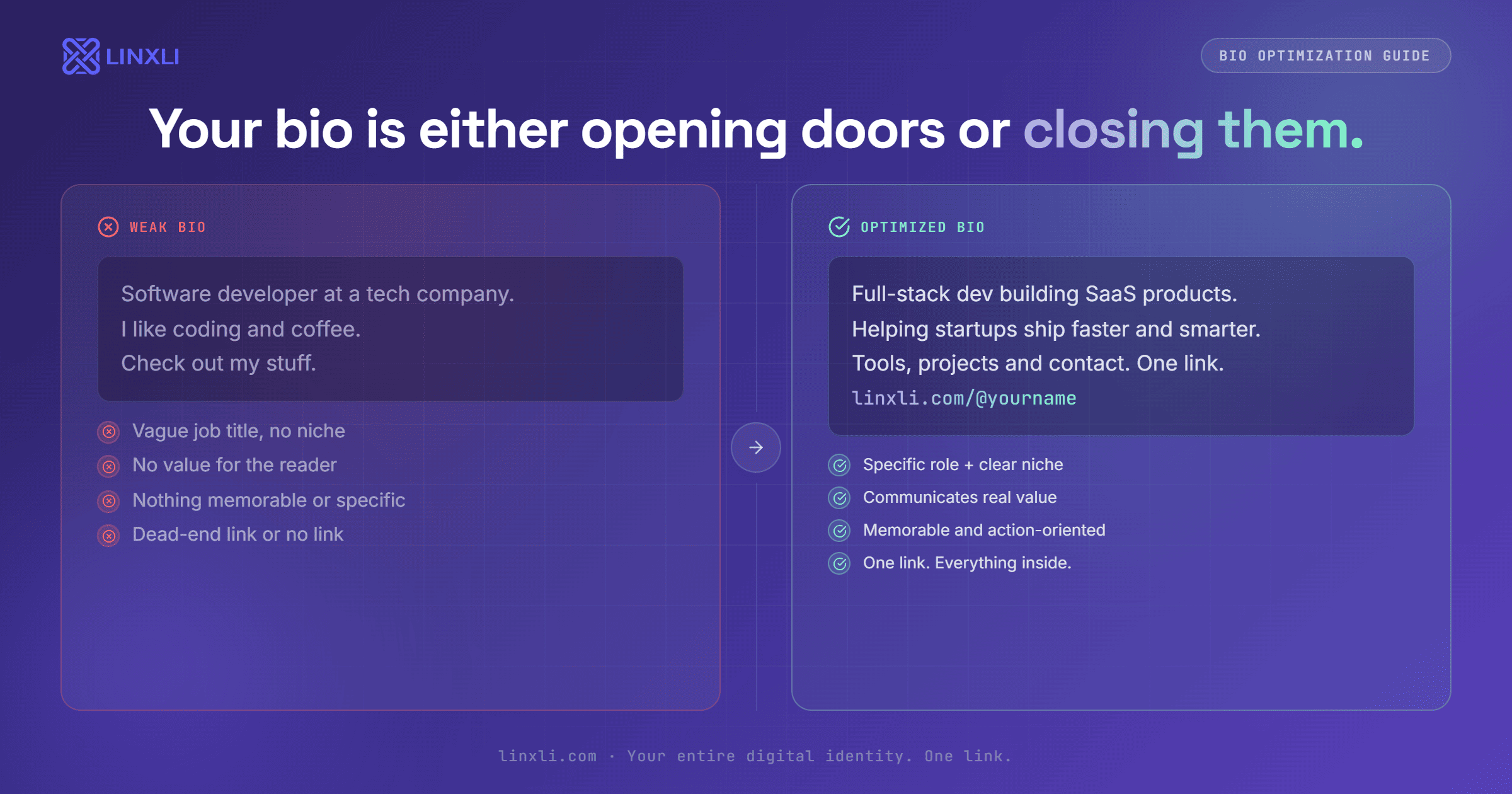
Putting It All Together: A Before and After
Here's a real-world example of how these changes look in practice.
Before (typical bio):
Riya Patel Just a girl chasing sunsets 🌅 Photographer | Mumbai DM for work
After (optimized bio):
Riya Patel | Wedding Photographer Mumbai Capturing candid moments for couples who hate posing 200+ weddings shot across India 📩 Booking for 2026 open. Tap the link.
The second version tells you exactly who she is, who she serves, what makes her different, and what to do next. Every line earns its place.
Frequently Asked Questions
How long should my Instagram bio be?
Instagram allows up to 150 characters. You don't have to use all of it, but a well-written bio with 100 to 140 characters that covers what you do, who it's for, and what to do next will always outperform a vague two-word bio.
Should I put keywords in my Instagram bio?
Yes, but only in the Name field — that's what Instagram's search algorithm reads. The bio text block is not indexed for search, so write it for humans, not keywords.
How often should I update my Instagram bio?
Update it whenever your focus, offer, or CTA changes. If you're launching something new, add a line about it. If your booking status changes, reflect that. Your bio should always match where you are right now.
What's the best link to put in my Instagram bio?
The best bio link goes to a page that shows everything about you in one place: your platforms, portfolio, contact, and latest work. A link in bio tool like Linxli is the cleanest way to do this — one URL, everything accessible, and you update it once without ever touching your Instagram bio again.
Can I have multiple links in my Instagram bio?
Not natively. Instagram only allows one clickable link. Using a link in bio tool gives you effectively unlimited links accessible from that one URL.
The Takeaway
Optimizing your Instagram bio is not about being clever or witty. It's about being clear. Tell people what you do, who you're for, and what to do next. Use your name field for searchability, your bio text for value and action, and your link for everything else.
Small changes here can have a bigger impact than weeks of posting, because your bio works on every single visitor regardless of when they find you.
Try Linxli free and go live in under 2 minutes at linxli.com. No credit card needed. Set up your link page once, point your Instagram bio to it, and never scramble to update a single URL again.